Sentence-level AI detection
AI Detector
See which sentences read as AI before you submit.
- No password needed
- Your text stays private
- Failed runs are never charged
Sentence-level results
See which sentences drive the score, not just a single number.
Honest about limits
AI detectors can be wrong. We show a guide, not a verdict.
Fix it in one step
Send the flagged sentences straight to the humanizer.
How it works
From draft to ready in three steps
- 01
Paste your text
Drop in an essay, article or email of at least 40 words.
- 02
Scan for AI
Get an overall score and see which sentences drive it.
- 03
Fix what matters
Send the flagged text to the humanizer, then check again.
Everything in one workspace
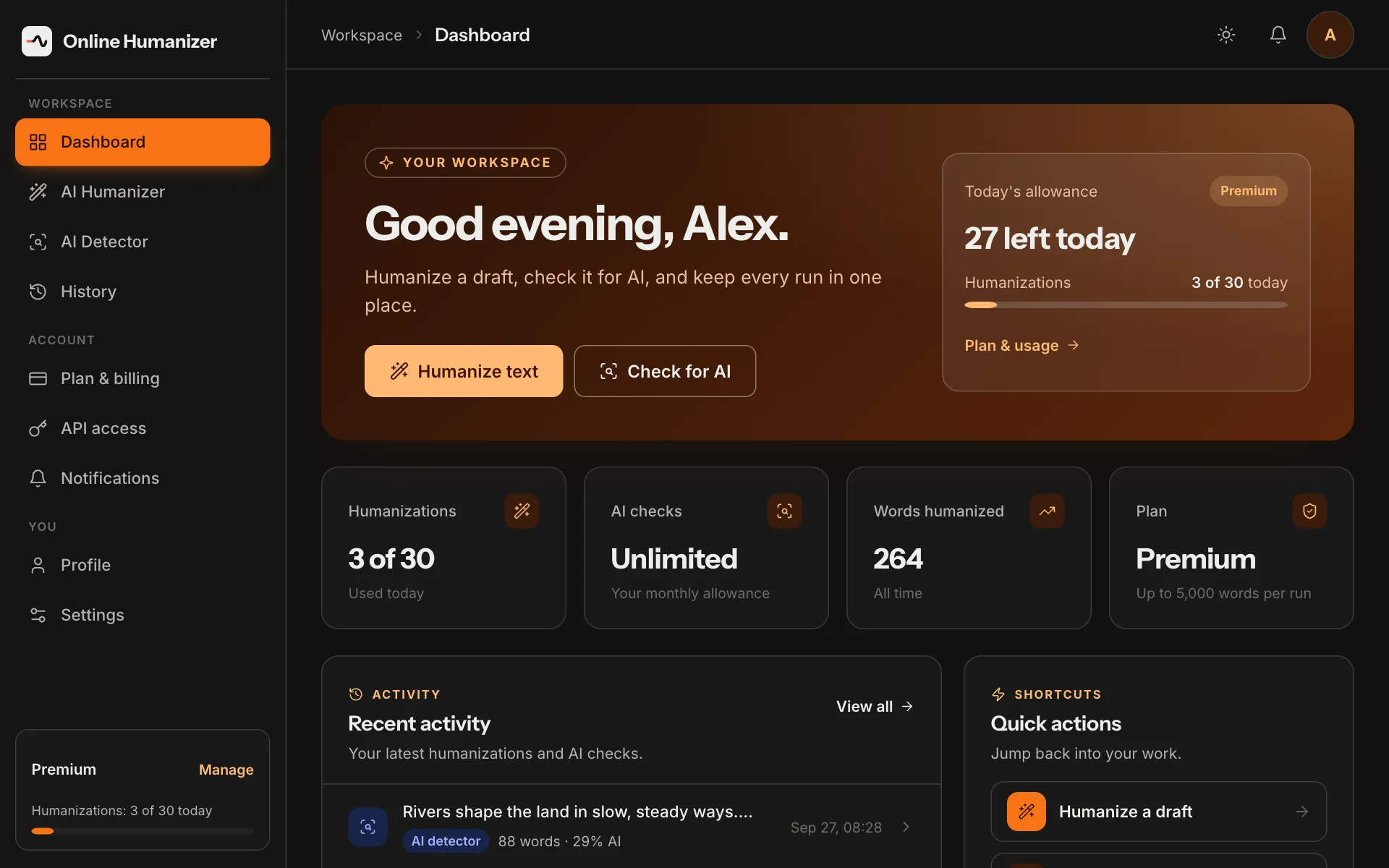
Every humanization and AI check is saved to your dashboard, with your allowance in view. Reopen any run from History and pick up where you left off.
Create your account →
Questions
What does the AI humanizer do?
It rewrites AI-assisted text so it reads naturally, while keeping your meaning. You choose the model and how strongly it rewrites.
Can an AI detector be wrong?
Yes. Every AI detector makes mistakes, including on text a person wrote. Use a score as a guide to review your writing, not as proof either way.
Is Online Humanizer affiliated with Turnitin?
No. Online Humanizer is an independent service and is not affiliated with Turnitin.
Do you keep my text?
Your runs are saved to your History so you can reopen them. You can delete one item or clear all of it at any time, and deleting your account removes everything.
How do I get a plan?
Plans are set up by our team for now. Contact us and we'll get you started. Online checkout is coming soon.
Which file types can I upload for a report?
PDF, Word (.doc and .docx), plain text, RTF and PowerPoint (.pptx), up to 20 MB.
Write it your way
Humanize, check and report in one place.
Get started